Inventory that fits the way you live
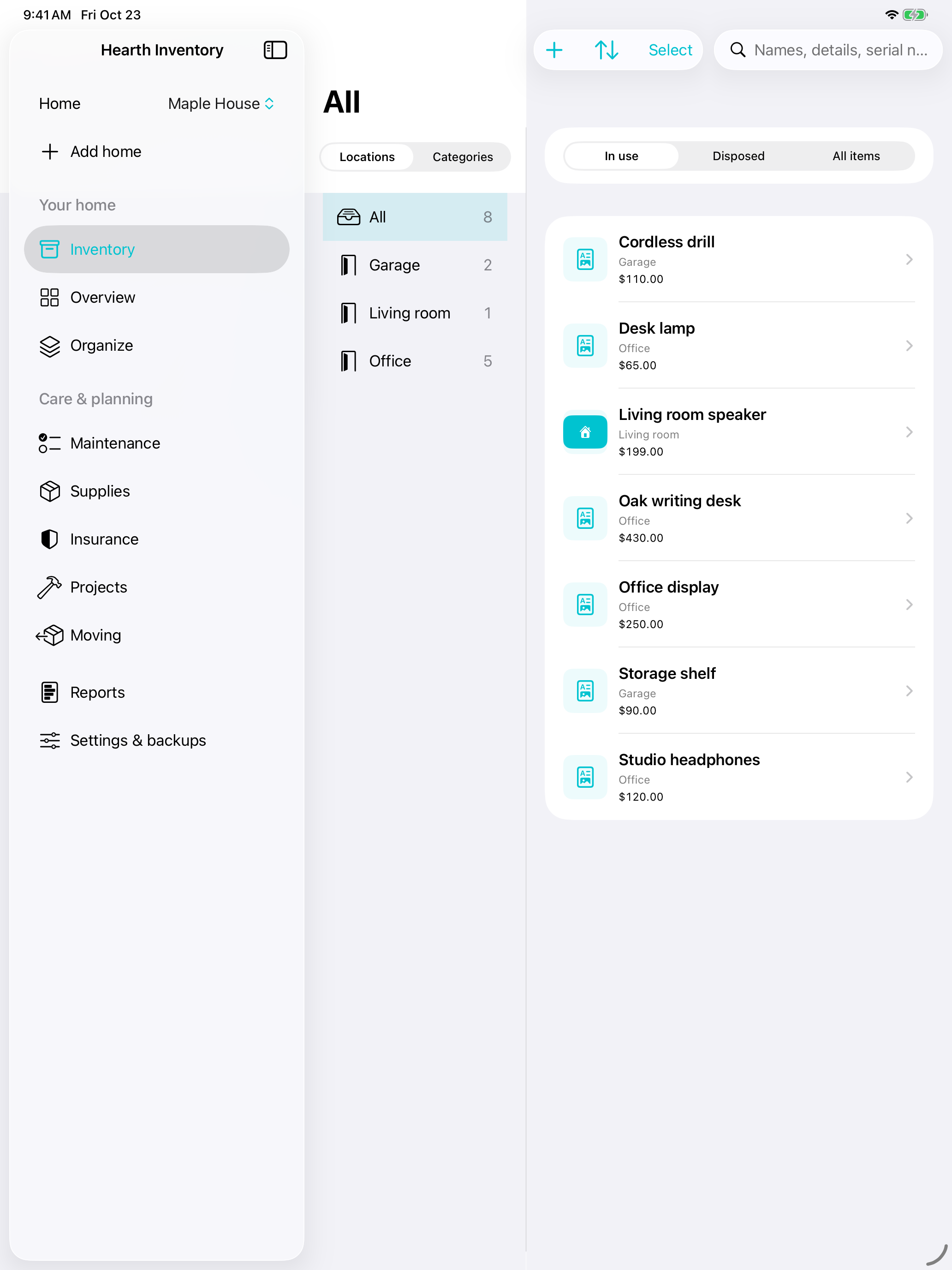
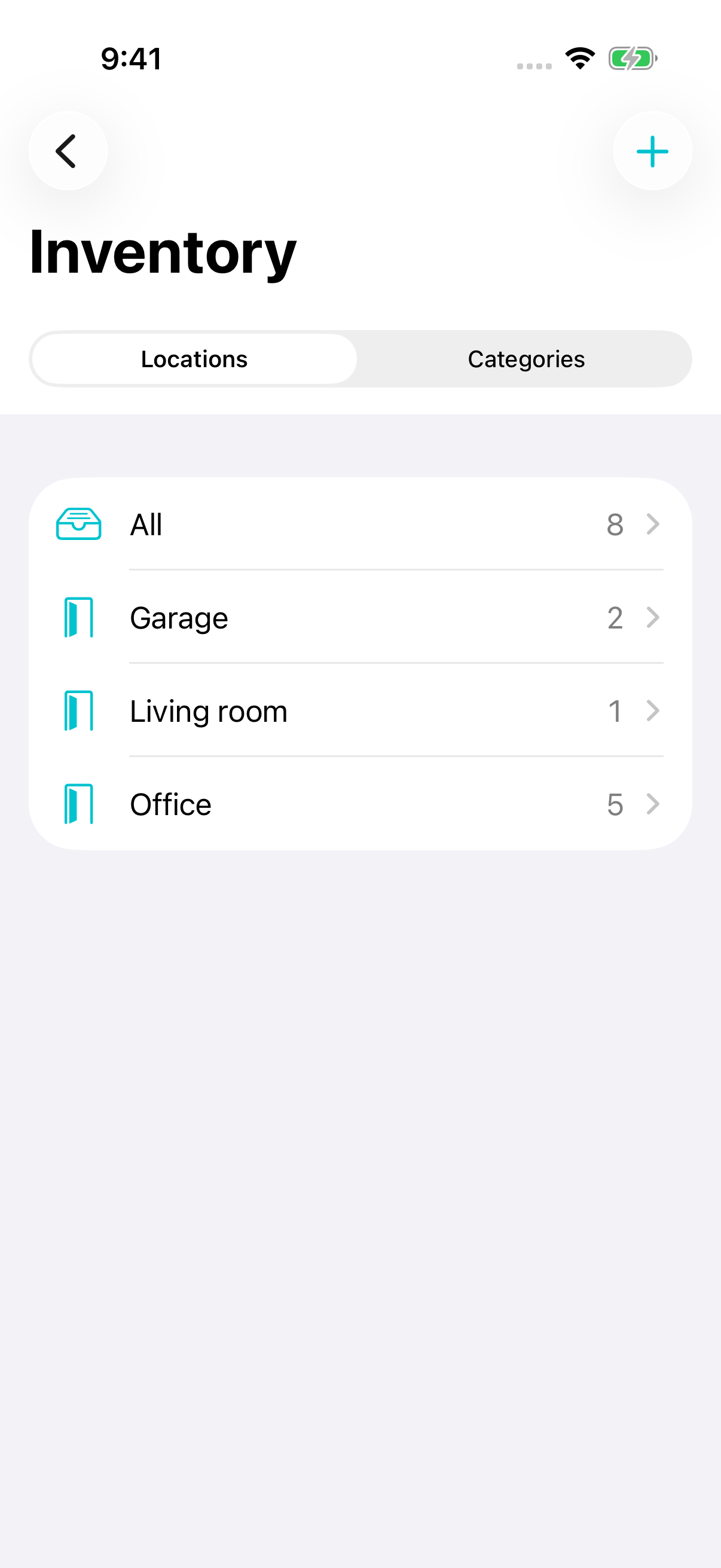
Keep separate Homes, then browse items by location or category. Record quantities, condition, purchase details, serial numbers, values, collections, tags, heirs, and your own custom fields.

HEARTH
Hearth Inventory keeps the details of your home and the things you own together: item records, photos, receipts, warranties, household work, reports, and recovery copies.
MAC
Free release in preparation
App Store link will appear when the listing is public.
IPHONE + IPAD
Free release in preparation
App Store link will appear when the listing is public.
WINDOWS
Planned
There is no Windows release yet.
ONE PLACE FOR THE DETAILS
Keep separate Homes, then browse items by location or category. Record quantities, condition, purchase details, serial numbers, values, collections, tags, heirs, and your own custom fields.
Attach photos, receipts, PDFs, and other documents. Preview them inside Hearth, extract text or barcodes on the device, and keep notes beside the item they describe.
Plan maintenance, record completed work, track supplies, policies, warranties and claims, organize repairs and improvements, and keep moving boxes and their contents together.
Run focused reports, exchange item records with CSV files, import an older Home Inventory .hi3 file after reviewing it, and export complete backups with records and attachments.
AT HOME ON YOUR DEVICES
Move through Homes, locations, categories, and items without turning a household record into a spreadsheet you have to decipher.
YOUR LIBRARY, YOUR CHOICE
Use a local inventory without creating a separate account. Hearth does not send your inventory to a developer-operated service.
Sync saved records and managed attachments through the private CloudKit database in the Apple Account already signed in on your devices. Local copies remain available offline.
Review saved changes, undo supported changes, use dated local backups, and export a complete recovery copy. Device-local history and exported files stay where you keep them.
The Hearth privacy policy explains exactly what stays local, what moves through iCloud when sync is enabled, and what remains in backups and exports.
HEARTH SUPPORT
Read the setup, iCloud, import, and recovery guidance, or email [email protected].
Open Hearth support →