Install
Download SteadyScore from WordPress.org, or search “SteadyScore” in Plugins → Add New from your WordPress dashboard. Install and activate.

STEADYSCORE SUPPORT
Everything you need to install, configure, and get the most out of SteadyScore.
GETTING STARTED
Download SteadyScore from WordPress.org, or search “SteadyScore” in Plugins → Add New from your WordPress dashboard. Install and activate.
Navigate to SteadyScore in the admin sidebar. Every active plugin on the site is automatically scored. No configuration, no account, no API key. Scores appear within 60 seconds of activation.
Plugins are color-coded by reliability: green (Trusted, 75–100), yellow (Moderate, 50–74), orange (Caution, 25–49), red (Avoid, 0–24), gray (Unknown). Click any plugin to see the full score breakdown.
Click Export to download a CSV of all plugin scores. Use it for your own records or share it with a client.
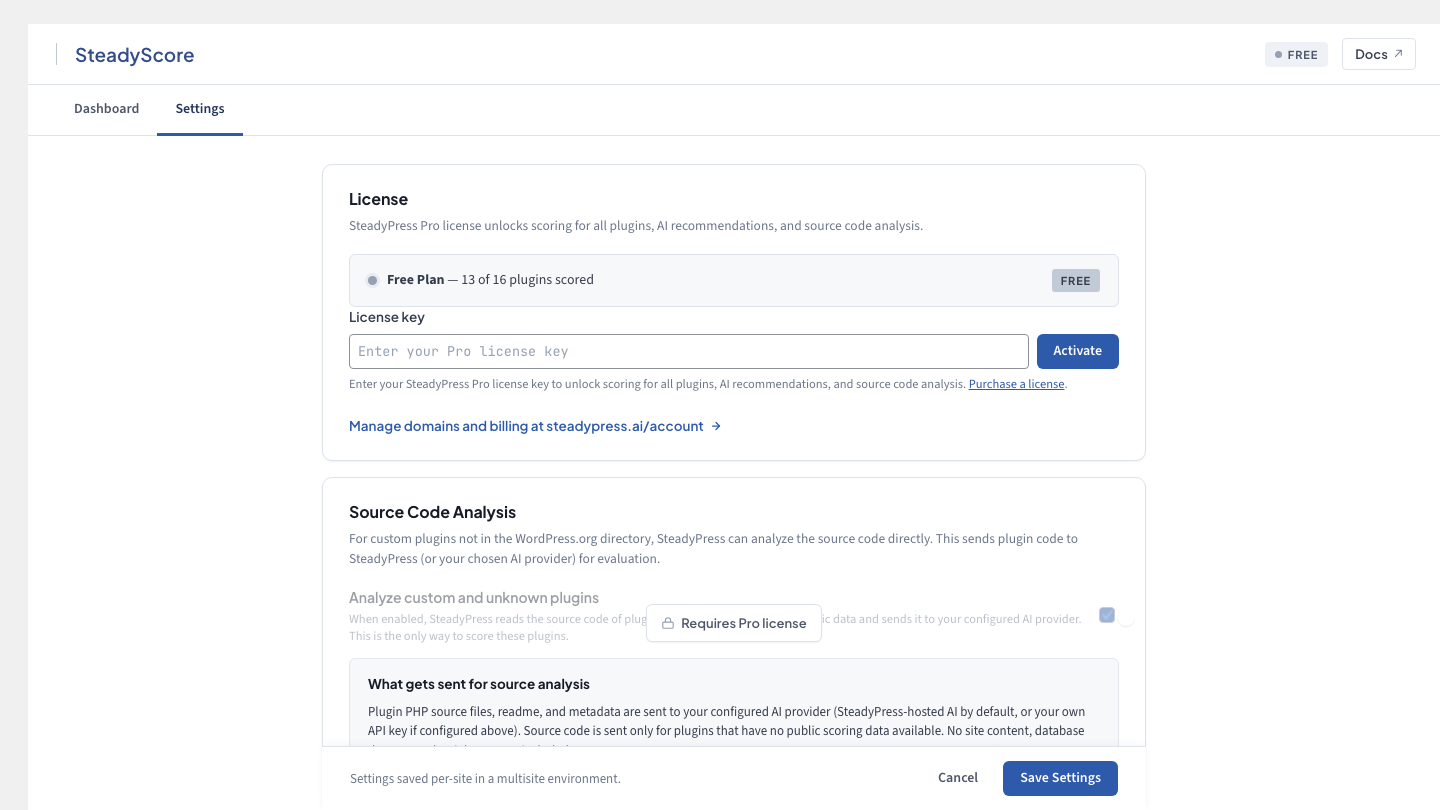
Want scoring for premium plugins, AI analysis, and monitoring alerts? Enter your license key in SteadyScore → Settings. Your existing scores stay intact and premium plugins begin scoring immediately.
SYSTEM REQUIREMENTS
| Requirement | Minimum |
|---|---|
| WordPress | 6.0+ |
| PHP | 8.0+ |
| Browser | Any modern browser (Chrome, Firefox, Safari, Edge) |
| Server | Any standard WordPress hosting environment |
| Outbound HTTP | Must be able to reach api.wordpress.org and wordfence.com |
| Pro tier only | Must be able to reach api.steadypress.ai |
SteadyScore runs entirely in the WordPress admin. It adds no frontend code, no JavaScript on visitor-facing pages, and no database tables beyond its own cache. It does not modify any other plugin’s behavior.
PRO CONFIGURATION
After purchasing, you’ll receive a license key by email. Go to SteadyScore → Settings, enter your key, and click Activate. Your site is now linked to your license and Pro features are enabled immediately.
View and manage domain assignments from your SteadyPress account at steadypress.ai/account. You can release a domain and activate on a different site at any time. Staging and local dev environments are auto-aliased — they don’t consume a site slot.
Go to SteadyScore → Settings → Monitoring. Set your scan frequency (daily or weekly) and enter the email address where you want drop alerts sent. You’ll be notified when any plugin’s score decreases by more than a configurable threshold.
CHANGELOG
We maintain a full changelog for every release. Each entry includes the version number, release date, and a summary of changes.
Initial release. Full scoring for wordpress.org plugins (Paths 1–2). Pro tier with premium plugin scoring, AI analysis, score monitoring, and Google Docs export. CSV export for free tier.
NEED HELP?
If you can’t find what you need on this page, reach out. Pro customers get email support. Free users can report bugs or ask questions through the WordPress.org support forum.
Reach us through the contact form. Include your license key and a description of the issue. We typically respond within one business day.
Visit the SteadyScore support forum on WordPress.org. We monitor the forum and respond to every thread.